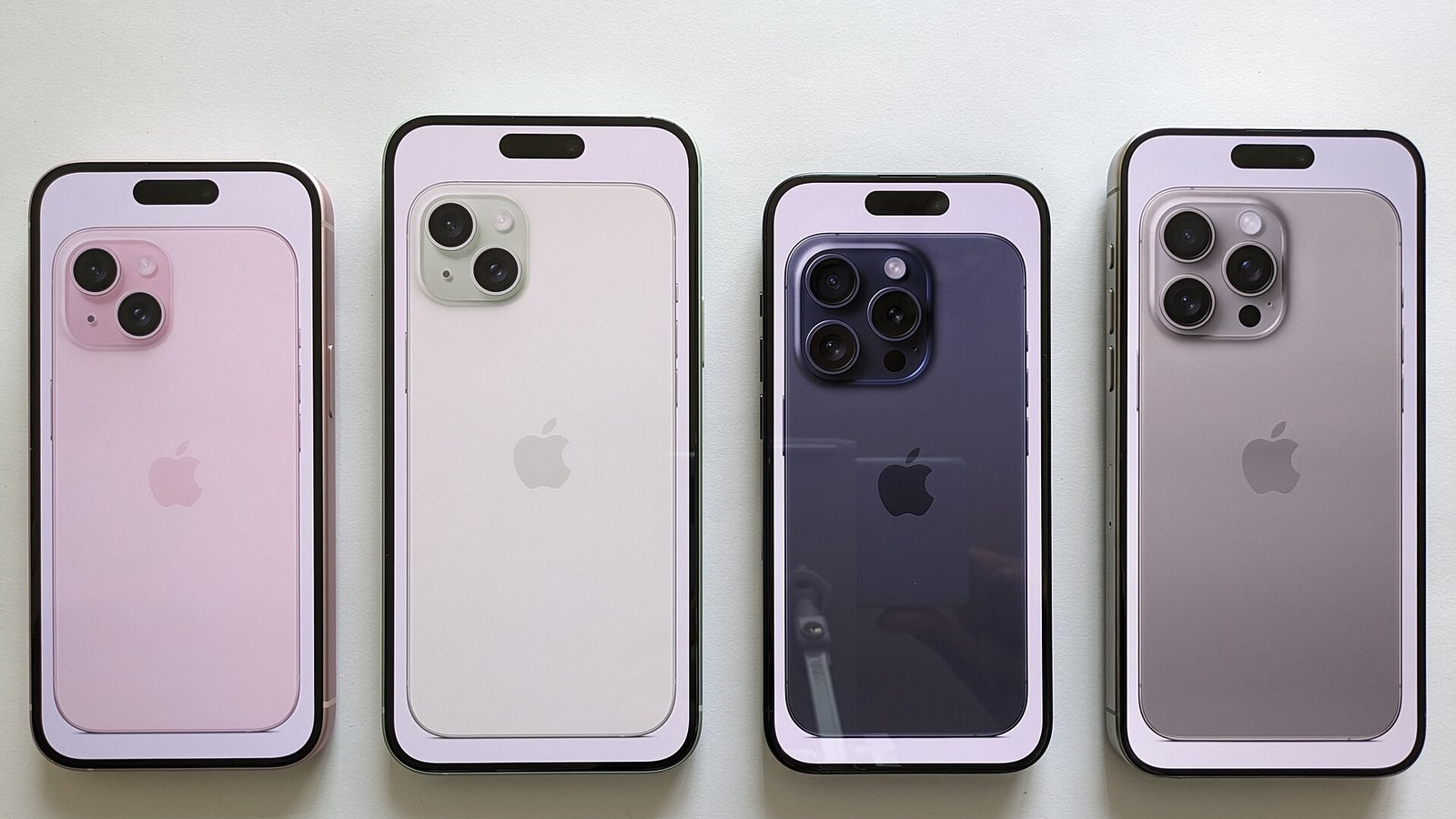









Iceland is a dream for photographers and road trippers, and most visitors rely on their iPhone for maps, weather alerts and bookings. Towns and the main roads are generally well covered, but the highlands, fjords and long stretches between villages can leave you with weak or no signal. A little preparation keeps the phone useful when you need it most.
Before you land
Start with the basics. Update iOS to the latest version, since updates often include carrier and modem fixes. Then decide how you will connect:
- Roaming: check your carrier’s rates for Iceland, which is outside the EU but part of the European Economic Area, so some European plans include it. Confirm with your provider rather than assuming.
- Travel eSIM: many iPhone models support adding a second line as an eSIM, so you can buy a local or regional data plan and keep your home number active.
- Offline maps: download the regions you plan to drive through in your maps app before leaving Wi-Fi.
When the signal drops
If your status bar shows SOS or no bars in a remote valley, the usual fixes still apply: toggle Airplane Mode, make sure the right line is selected for mobile data in Settings, and check for a carrier settings update. Sometimes the only real fix is driving until you reach coverage again. The emergency number in Iceland is 112, and it is worth saving that in your notes before a long drive. Newer iPhones also offer satellite features in some countries, so check Apple’s list of supported regions before relying on them.
Using your phone like a local
Icelanders are heavy smartphone users, and plenty of daily life runs through mobile browsers and apps, from banking to parking to entertainment. That includes leisure sites people browse in the evening. Because there are no land-based casinos in Iceland, adults who enjoy casino games use sites licensed abroad, and Icelandic readers often look up lists of ný spilavíti (new casinos) that are built for phones first. From a tech point of view, the same checks apply as with any site that handles money: look for a valid HTTPS connection, enable two-factor authentication where offered, and keep Face ID or a strong passcode on the device. Casino play is only for people aged 18 and over, and it should stay a budgeted bit of fun.
Battery and storage on the road
Cold weather drains lithium batteries faster, so keep your iPhone in an inside pocket rather than a car mount on freezing days, and carry a power bank. Low Power Mode buys extra hours when you are far from a charger. Finally, free up storage before the trip: waterfalls, glaciers and northern lights tend to fill a camera roll quickly, and you do not want a full phone at the one viewpoint that matters. With connection, security and power sorted, your iPhone becomes the most reliable travel companion you pack.
About this article
- Fact-checked before publication.
- Published